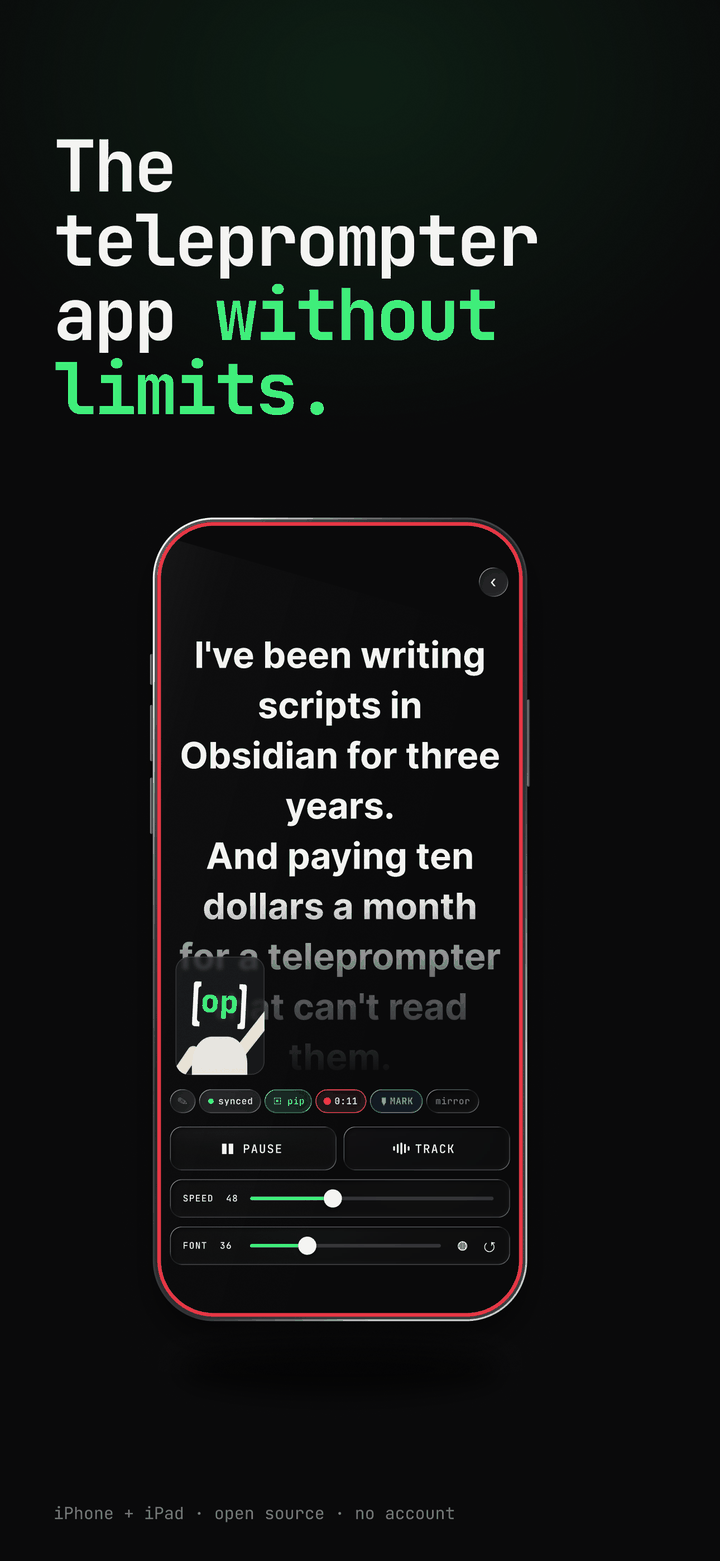
the last time we wrote one of these, v2 put a camera inside the teleprompter. since then the app went 3.0, 3.1, and now 3.2, and the App Store page got a fresh set of screenshots to match. this is the catch-up post. everything below is on your phone today, free, no account, MIT on GitHub.
it listens#
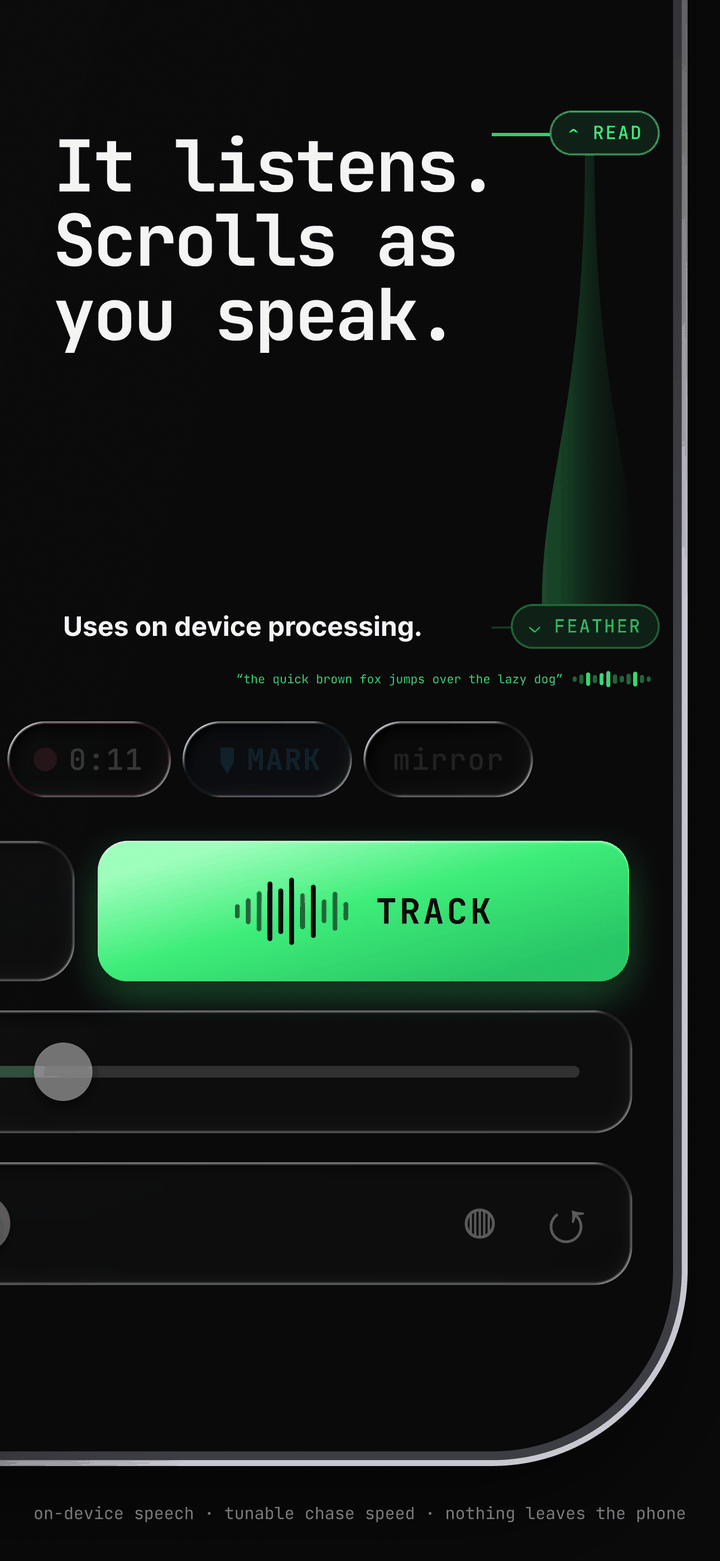
voice tracking left beta in 3.0. on-device speech recognition moves the read line to the word you just said. pause to think and it waits. skip a sentence and it catches up. it runs on the phone, so nothing you say leaves it.
3.0 also rebuilt how the scroll moves. instead of jumping to each recognised word, the page carries momentum toward it and eases in, which is the difference between a prompter that twitches and one you forget is there. a community pull request in 3.1.2 tightened the follow further, and the app now tells you why tracking stopped instead of going quiet.
on iOS 26 it can hand recognition to Apple's newer SpeechAnalyzer, with the words of your script fed in as vocabulary, so names and jargon land instead of turning into something that rhymes with them.
the two draggable lines that shape all of this are still the READ and FEATHER lines, and there is a longer piece on how the tracking works if you want the mechanics.
flub a line? hit MARK#
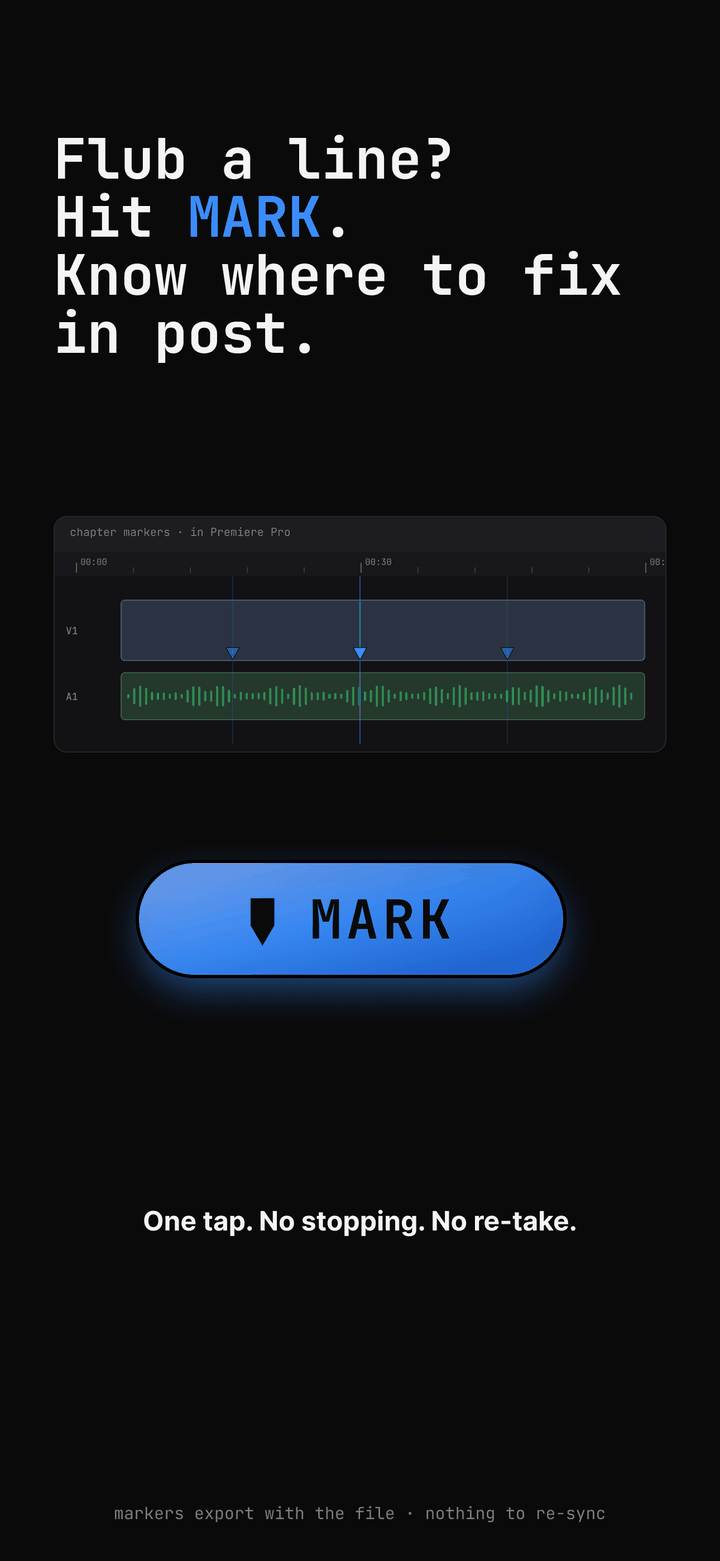
tap MARK while you record and a chapter marker drops into the take at that moment. keep going. no stopping, no second take.
the markers live inside the .mov itself. the file carries a QuickTime chapter track, a timed-metadata track, and an Adobe XMP marker track, which is the form Premiere Pro reads natively. open the clip and the markers are on the timeline, so you jump straight to the fix. nothing to sync, nothing to re-enter.
you do not even have to tap. every heading in your script becomes a titled marker as it crosses the read line, and a [MARK] or [MARK: retake the joke] cue in the Markdown does the same. write the edit plan into the script and the recording arrives pre-chaptered.
record for everywhere#
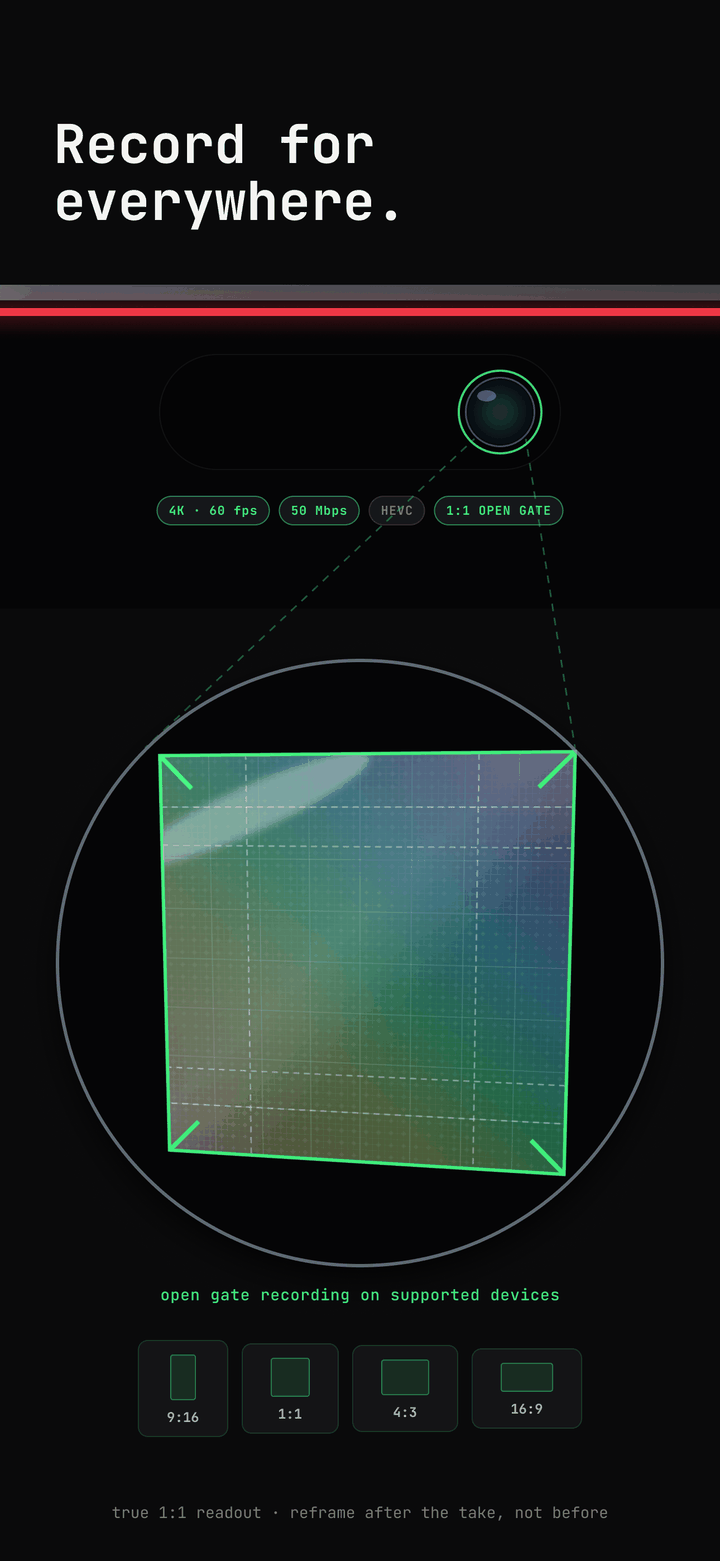
on iPhone 17 and newer the front camera is a square sensor. open gate records all of it, 3840 by 3840, up to 4K at 60 frames and 50 Mbps HEVC. one read gives you a vertical for Shorts, a wide for YouTube and a square for the feed. you decide in the edit, not on set.
as of 3.1 open gate is the default and sits first in the aspect picker. older iPhones record the full 4:3 frame their sensor exposes, which is still the widest thing the phone can give you.
markdown emphasis renders natively#
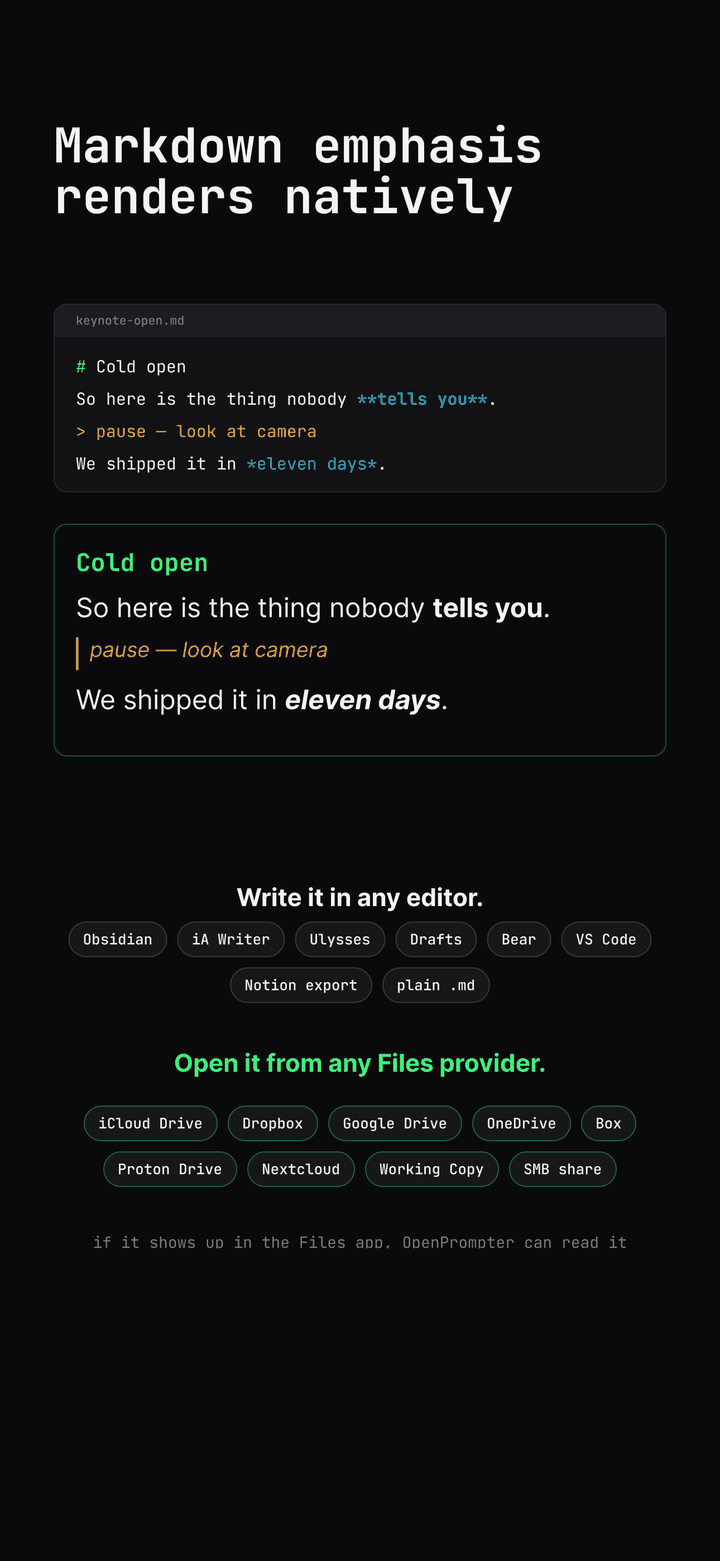
**bold** and *italic* finally render as bold and italic on the prompter instead of flattening to plain text. headings, block quotes and lists were already there. if it is a .md file in the Files app, from iCloud Drive, Dropbox, Google Drive, OneDrive, an Obsidian vault or a Git checkout in Working Copy, the app reads it as it is, and edits show up live.
phone on the rig, controls in your hand#
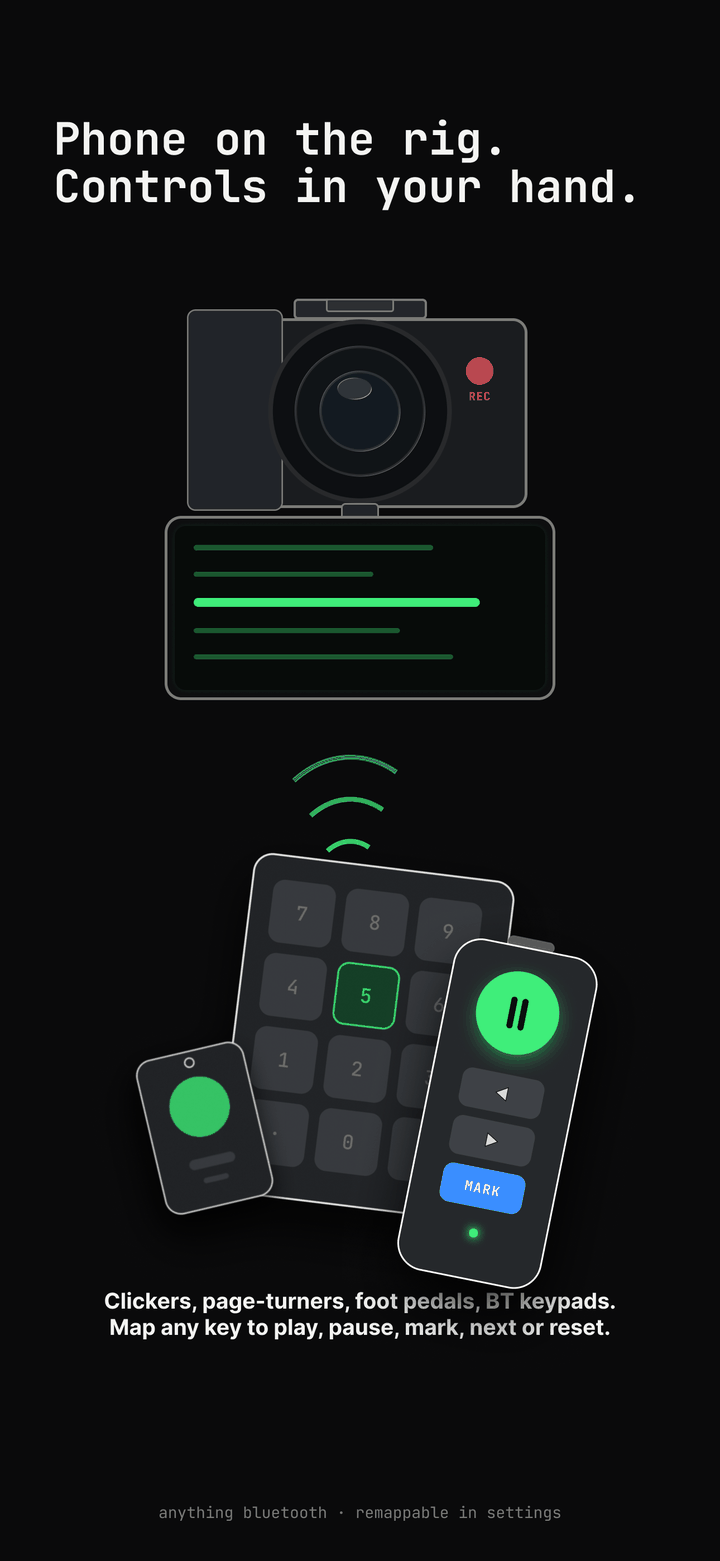
the phone sits under the lens. you stay on your mark. any Bluetooth clicker, keyboard, foot pedal or ten-key pad can drive it, and every key is remappable in Settings.
ten-key pads arrived in 3.1 as a contribution from the community, which is the best possible way for a feature to arrive. 3.2 adds a jump-to-end action next to jump-to-start and restart. volume-button capture stays opt-in, so your volume rocker keeps being a volume rocker unless you ask.
landscape, finally#
turn the phone sideways and the camera turns with it. 3.1 moved the whole orientation stack onto Apple's rotation coordinator, so the picture-in-picture preview rotates live and the recorded file matches the way you held the phone. rotating mid-take works too. before 3.1 this was the most-reported bug in the app, and it is gone.
two smaller things landed with it: the reading-progress bar is half as wide and has a Settings switch, and 3.1.1 added a Labs picker for the preview angle on wide-front-sensor iPhones, alongside a fix for the flipped preview some of those phones showed.
it fits the iPad#
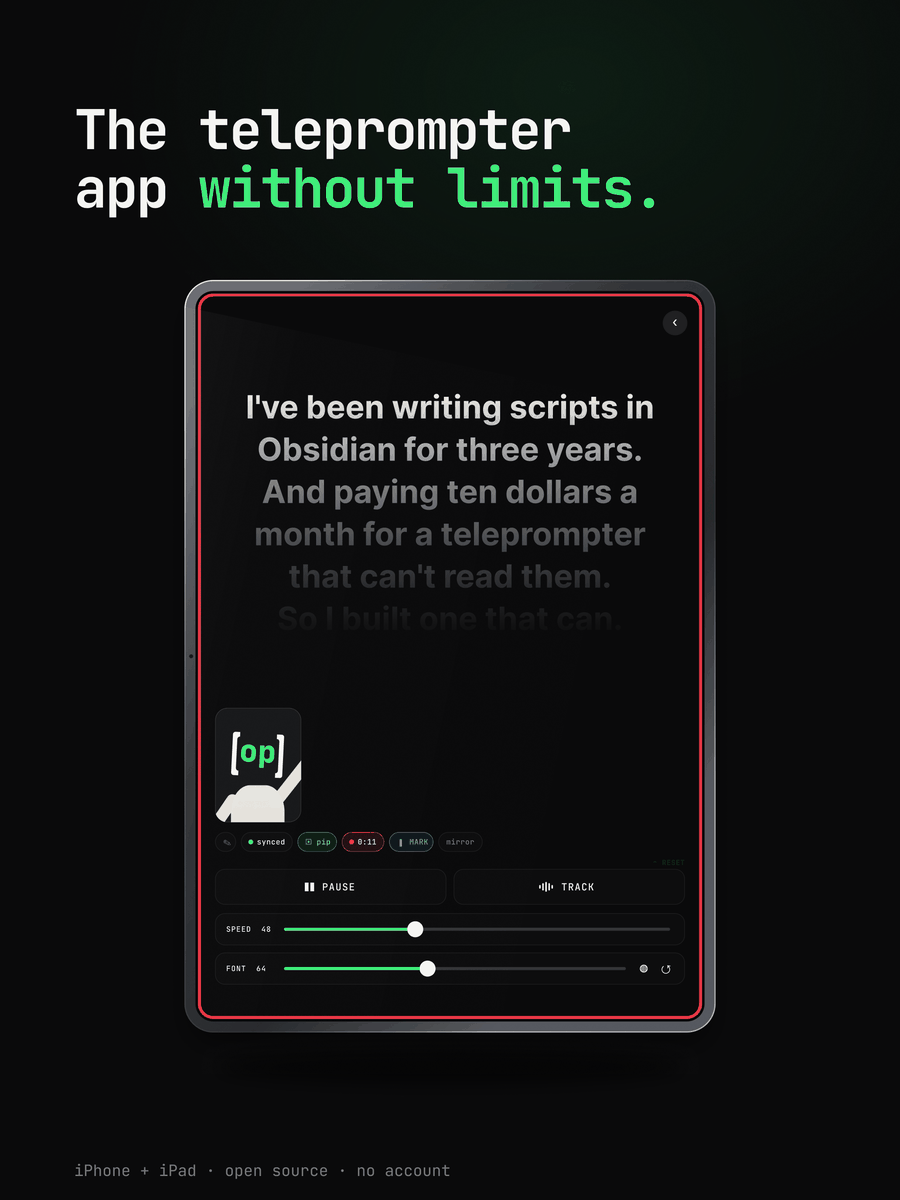
3.2 is a native iPad app. the whole point of an iPad on a teleprompter mount is a big readable page, and on a 13-inch screen the script used to run edge to edge at 1,366 points, which is a long way for an eye to travel per line. the script column is now capped to a readable measure, the forms and lists stop stretching, and everything still runs on the iPhone exactly as before.
shaped by you#
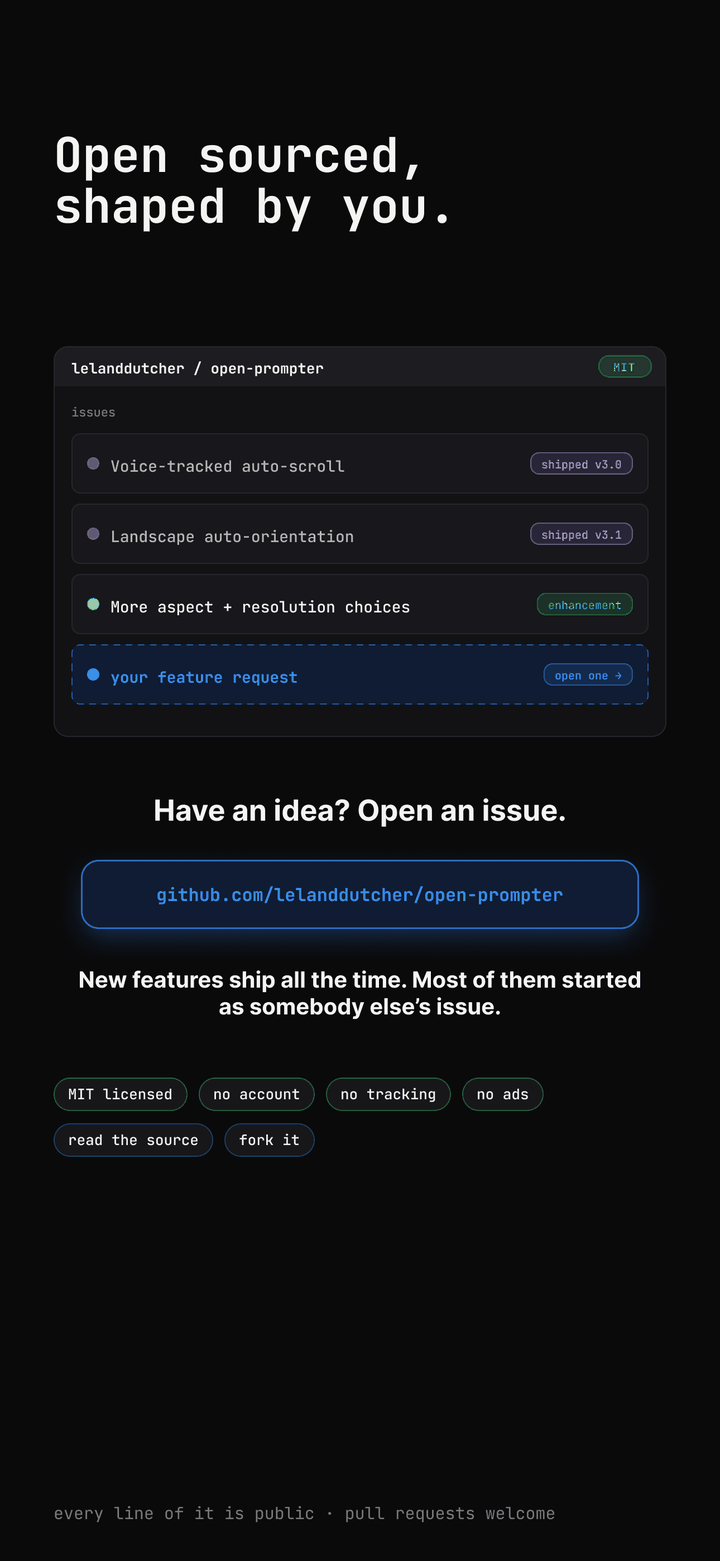
most of what is in this post started as an issue or a pull request. the ten-key bindings were a contribution. the voice follow fixes were a contribution. the preview flip on wide-front phones was reported and fixed from outside. the test suite is now hermetic, so a fresh clone on a fresh simulator comes up green instead of making a new contributor wonder what they broke.
if you want something, open an issue. if you can build it, even better.
still the same deal#
no account. no subscription. no analytics. no tracking. no network calls of any kind. every line of it is MIT on GitHub. three releases in, none of that moved.
Download on the App Store